Without Google G Suite, it is still possible to integrate your business calendar and appointments within your private Google Account.
Requirements:
- Google Account
- Microsoft Outlook
Microsoft Outlook (part of Microsoft Office)
Create an additional Calendar to your normal Outlook Calendar and give it the name of your business. Create an additional Calendar in your Google Account and give it the name of your business.
Install gSyncit
gSyncit is an Outlook plugin that enables the syncing of Outlook calendars, contacts, notes, and tasks with your Google account.
The installation of gSyncit makes sure that whatever is added or changed for an appointment or a contact is also reflected across all Google connected devices and applications. This then updates your Outlook, your mobile device (phone and /or tablet) and your Google account on the Web.
(gSyncit also works with other popular online accounts too).
Purchase and Install gSyncIt. gSyncit cost $19.99.
(Around every second year, a full version upgrade cost $12.99.)
In the gSyncit settings, Google Sync, Calendar Sync, setup gSyncit to synchronise
- your personal calendar
- your business calendar
I suggest you also setup to synchronise Contacts in Contact Sync.
Lastly, in Application Settings, Sync Options, tick Enable automatic synchronization.
How to create a new calendar appointment with attendees
It is useful for your attendees to accept appointments you make and have these appointments automatically added to their calendar. This ensures that you both have the same information about the subject, date, time and location of the appointment.
In Outlook, go to your business calendar
Create an event as normal
Click Invite Attendees
This will add a To… field where you can type email addresses of the attendees.
Enter Subject, Location Start and End time (including the dates) and enter some details in the appointment body.
Note: The subject and appointment details will also appear for the attendees, so make it relevant for them.
Click Send
The following warning message will appear

Click Yes
A notification is received when an attendee accepts an appointment:

In your Outlook Calendar the meeting will have a note at the top: No responses have been received for this meeting. This follows the warning received previously about responses not being tallied.
Rest assured you still have the notification message in your Inbox that the meeting has been accepted.
Would you like us to set this up for you?
Please submit an installation service request or a support request and we’ll get back to you to arrange an on-line / desktop sharing consultation. We estimate the setup procedure would take us just half an hour.





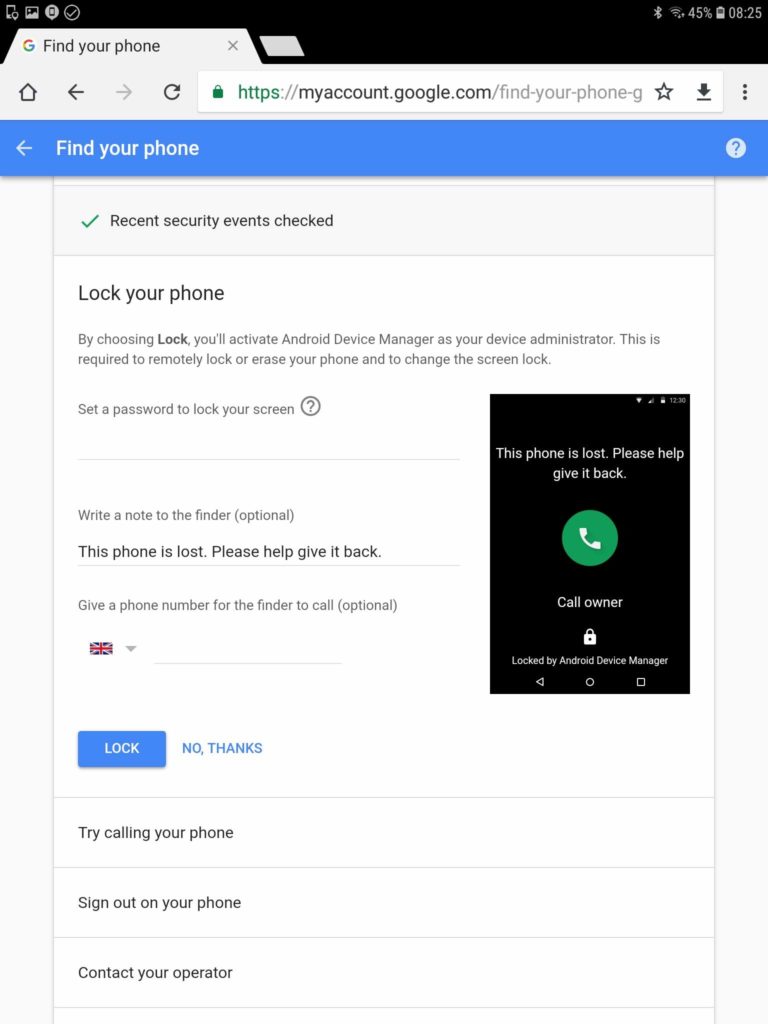
 If you own an Android device, it is important to set up your Google Account so that you and your phone are protected in the event of an emergency, theft or loss.




 I have a Voice over IP number from VoIPTalk5. Back in 2008 I took out this subscription with a Bristol phone number at a cost of £6 per month. It includes 1,000 minutes to landlines. Being already setup up in an app on my smartphone, I needed to set it up on my tablet and computer.
 I quickly installed the free app called Zoiper6 on both my tablet and computer and configured the VoipTalk account in each app. Immediately, I was able to make and receive calls.


